



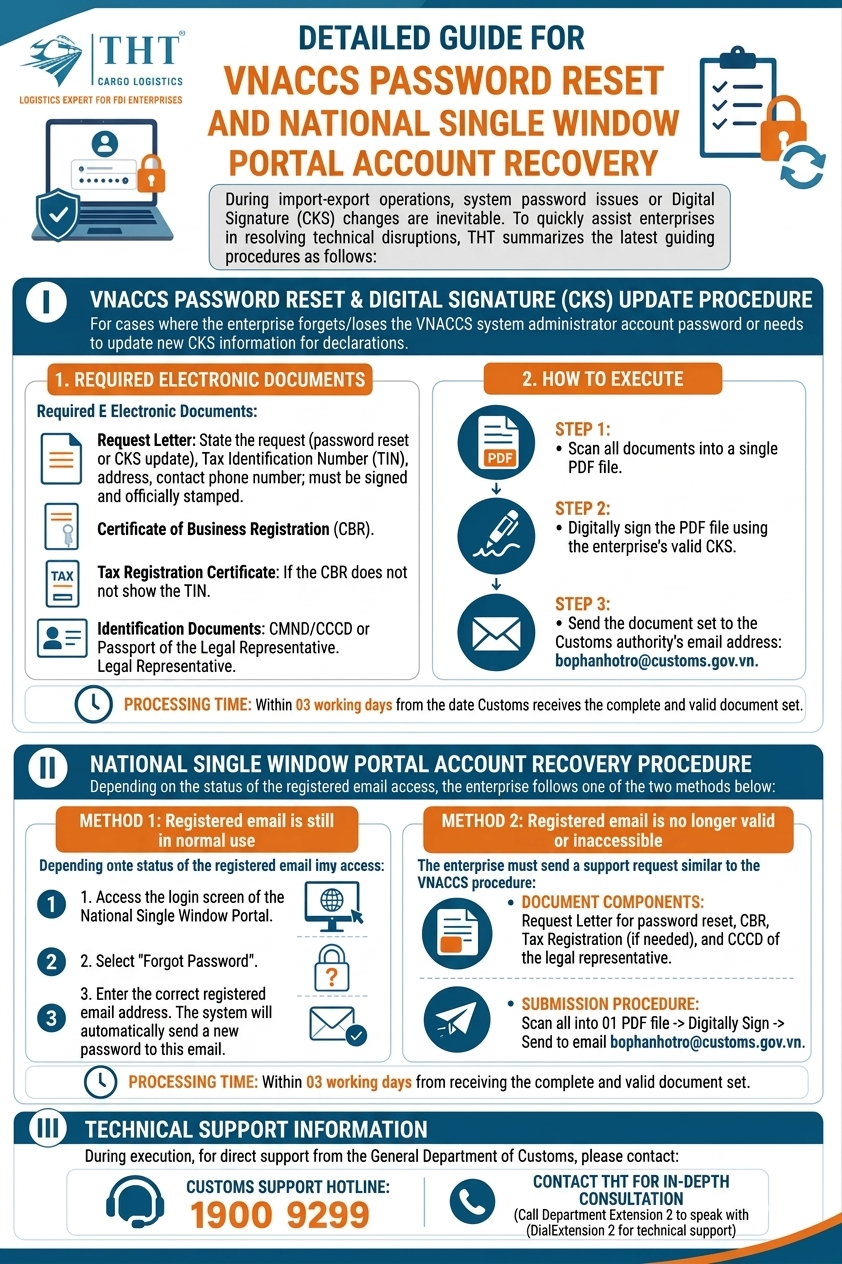
DETAILED GUIDE TO RESETTING VNACCS PASSWORDS AND NATIONAL SINGLE WINDOW ACCOUNTS
I. PROCEDURE FOR RESETTING VNACCS PASSWORDS & UPDATING DIGITAL SIGNATURES
Applicable to businesses in the following situations:
- Forgotten or lost VNACCS administrator account passwords
- Need to update new Digital Signature information for customs declarations
1. Required Electronic Documents
Businesses should prepare scanned copies of the following documents:
- Official request letter including:
- Request details for password reset or Digital Signature update
- Tax Identification Number (TIN)
- Business address
- Contact phone number
- Authorized signature and company stamp
- Business Registration Certificate
- Tax Registration Certificate
- Required if the Tax Identification Number is not shown on the Business Registration Certificate
- Identification documents of the Legal Representative:
- ID Card
- Citizen Identification Card
- Or Passport
2. Submission Process
Implementation steps:
- Step 1: Scan all documents into one single PDF file
- Step 2: Apply the company’s valid Digital Signature to the PDF file
- Step 3: Send the file to the Customs support email:
bophanhotro@customs.gov.vn
Processing time: Within 03 working days from the date Customs receives complete and valid documents.
II. PROCEDURE FOR RESETTING NATIONAL SINGLE WINDOW ACCOUNTS
Depending on the status of the registered email account, businesses may follow one of the two methods below:
Case 1: Registered Email Is Still Accessible
Businesses can quickly recover their password by:
- Accessing the National Single Window login page
- Selecting the “Forgot Password” function
- Entering the registered email address correctly
- The system will automatically send a new password to the registered email
Case 2: Registered Email Is No Longer Active or Accessible
Businesses must follow a support process similar to the VNACCS password reset procedure.
Required documents include:
- Official request letter for password reset
- Business Registration Certificate
- Tax Registration Certificate (if required)
- ID card or identification document of the Legal Representative
Submission process:
- Scan all documents into one PDF file
- Apply the company’s Digital Signature
- Send to: bophanhotro@customs.gov.vn
Processing time: Within 03 working days from the date Customs receives complete and valid documents.
III. TECHNICAL SUPPORT INFORMATION
During the implementation process, if businesses require direct support from Vietnam Customs, please contact:
- Customs Support Hotline: 1900 9299
- Please press Extension 2 to connect with the technical support department
Conclusion
Understanding the procedures for resetting VNACCS passwords and National Single Window accounts can help businesses minimize disruptions in import-export operations.
Businesses should:
- Closely manage account information and Digital Signatures
- Prepare complete electronic documentation from the beginning
- Proactively handle any system or account changes when issues arise
Need Support for Customs & Logistics Procedures?
THT Cargo Logistics supports businesses in Customs procedures, VNACCS systems, Digital Signatures, import-export declarations, and resolving operational logistics issues efficiently.
Visits: 35